Nothing Falls Through the Cracks Between Sale and Completion
Orders that are not finished at the till wait on a board your team shares: pending, in progress, completed and any stage you add. Move cards between stages, hold an order and come back to it, and bulk-complete or retry orders when you need to.
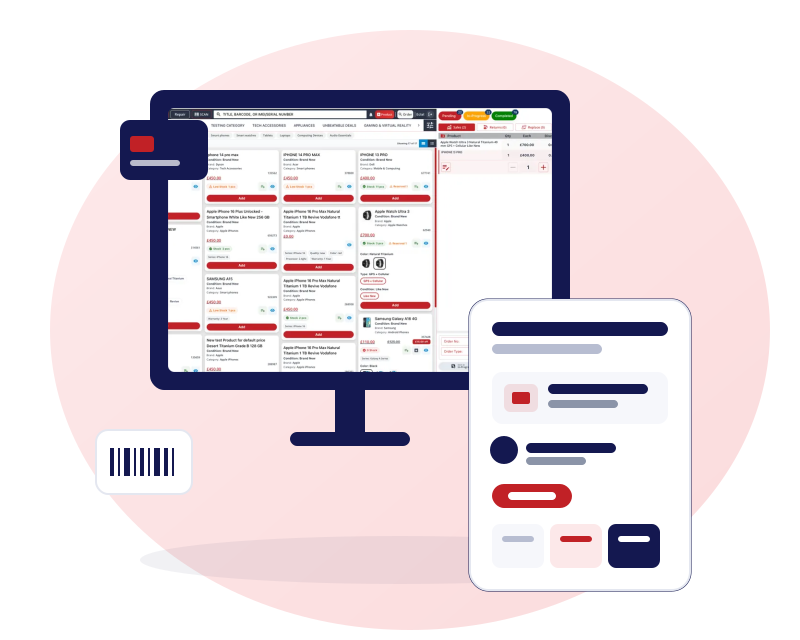
Pending, in progress, completed and your own stages
Pending, in progress and completed are the starting point. They do not have to be the limit.
Your own stages
Add, rename and reorder stages in your business settings to match how your shop runs a job.
Drag cards between stages
Move an order from one column to the next, and reorder cards within a stage.
Filter by technician and priority
Narrow the board to one technician, a priority or the jobs due today.
Stages per business
Stages are set for each business, so each shop can run the process that suits it.
Hold orders and come back to them
A customer who has gone to find their card should not hold up the queue.
Pending orders
Park an order at the till, serve the next customer and finish the first one later.
A tab for credit orders
Orders sold on credit have their own tab, so unpaid balances stay in view.
Print a quote
Print a quote or pending-order slip for an order you are holding.
Bulk complete and retry
A busy day should not mean completing orders one by one, or losing one when a step fails.
Bulk complete
Select several finished orders and complete them together.
Retry on failure
If completing an order fails, it is flagged and can be retried, so nothing is lost silently.
One receipt, every action
Sale, return, replace, trade-in and repair lines resolve onto the same order and receipt.
One shared board for the team
Everyone works from the same list of open jobs, not their own notes.
The same board for everyone
People with access see the same orders and stages. There is no personal copy of the job list.
Roles decide who sees what
Permissions control which order screens each member of staff can open.
Sales by repair report
See repair sales and filter by technician from the Sales By Repair report.
Keep reading
Repair management software
Intake, technician, parts and profit per repair.
Phone repair shop software
The repair shop view of Gadgets POS.
Point of sale software
Sale, return, replace, trade-in and repair on one order.
Questions about workflow
Can I customise the workflow stages?
Yes. Pending, in progress and completed are the defaults, and you can add, rename and reorder stages in your business settings. Because stages are set per business, each shop can use the process that suits its own workflow.
Do credit orders appear on the board?
Credit orders have their own tab beside the pending and in-progress views, so unpaid balances stay visible rather than disappearing into a separate list you forget to check.
What happens if completing an order fails?
The order is flagged and can be retried from the order list. That means a failed step, such as a stock update, is visible and fixable rather than silently lost, and you can retry without re-entering the order.
Does the board update live on every screen?
Everyone sees the same board, but it is not a live-updating wall display. Reload the page to see the latest moves from other staff. Notifications and chat are handled separately from the board.
Can each branch have its own board?
Stages are set per business, so each shop works its own board on its own stages. That keeps one branch's jobs from cluttering another's, while you can still report across all of them.