From Order to Shelf, Tracked End to End
Raise purchase orders, record the serial numbers you are buying, receive stock into cost layers and see what you owe each supplier in one ledger. Then let the purchase planner show what to reorder from your own sales.
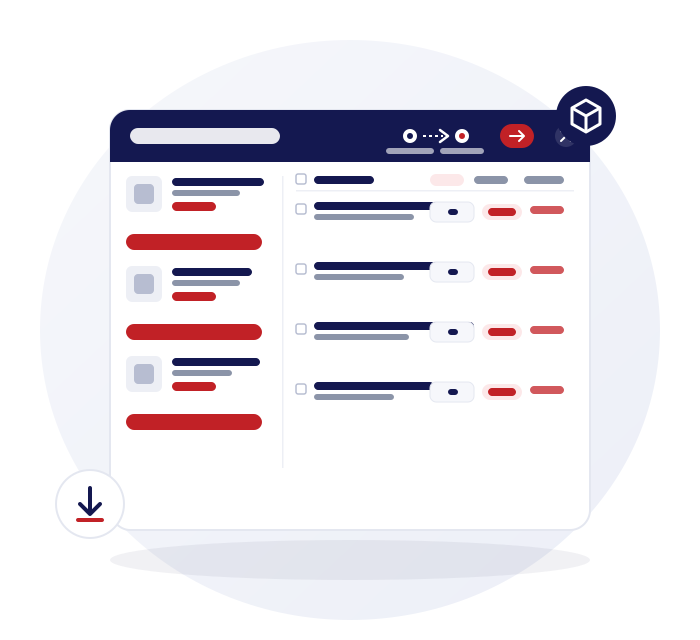
Purchase orders with drafts and serial lists
A purchase order is connected to the stock it becomes, not a document filed somewhere else.
Drafts you can come back to
Start a purchase order, save it as a draft and finish it when the supplier confirms.
IMEI and serial lists
Add the list of IMEIs or serial numbers you are buying, so each unit arrives with its identity.
Edit and track
Create, edit and track purchase orders against each supplier, with purchase history to look back on.
Printable order receipt
Print a purchase order receipt to send or keep with the delivery.
Receive stock into FIFO layers
Receiving is the moment cost becomes real, so it is recorded properly.
Receive against the order
Receive stock directly against an open purchase order, so stock and the order agree.
First in, first out cost layers
Each receipt creates a cost layer that feeds your margin and profit reports.
Returns to supplier
Send faulty or surplus stock back and keep the return on the same supplier record.
Barcodes for new stock
Print barcodes for received items that arrive without one.
Supplier ledger and payments
Every purchase, payment and return against a supplier lands in one running ledger.
Running ledger and balance
See each supplier's balance, with money in and money out recorded against it.
Pay against an order or in general
Record a supplier payment against a purchase order or as a general payment.
Payment log
See exactly what has been paid and when, per supplier.
Supplier tax applied automatically
Link a supplier to a tax rate once and stop choosing it on every order.
Tax per supplier
Choose a tax rate for a supplier and it applies automatically on that supplier's purchase orders.
Your own tax definitions
Define tax names and rates, including exempt, and set prices inclusive or exclusive for the business.
Purchase planner from sales history
Reorder from what you actually sold, not from memory.
Purchase Order Note
Pick a date range and see how much of each product you sold, to guide how much to buy. You decide the quantities.
Out-of-stock list
See everything that has run out and download the list to reorder.
Download as CSV
Take your reorder list out as a CSV to send to a supplier.
Selling to the trade
If you also sell to other shops, the same tools help on the sales side.
Credit customers
Trade customers can buy on credit with a running balance, an optional limit and a ledger.
Trade price field
Each product has a trade price alongside its retail price. It is a reference field and is not applied automatically by customer.
Container shipments
If switched on, track containers and boxes from supplier to store to shop.
Keep reading
Phone shop inventory management
What happens to stock after it is received.
Phone and gadget wholesaler software
Serialised stock, credit customers and container shipments.
IMEI and serial number inventory
Serial lists on purchase orders and unit-level cost.
Questions about purchasing
Can I track what I owe each supplier?
Yes. Every purchase, payment and return against a supplier lands in one running ledger with a balance, so you can see what is owed at a glance. You can record payments against a purchase order or as a general payment.
Does receiving stock update my inventory?
Yes. When you receive stock against a purchase order it is booked into inventory and creates a first-in, first-out cost layer. That layer then feeds your margin and profit reports, so cost follows what you actually paid.
Can I send stock back to a supplier and keep a record?
Yes. A return to supplier is recorded against the same supplier record as your purchases and payments, so the ledger balance reflects it. You can see the purchase and return history together rather than in separate lists.
How does the purchase planner decide what to reorder?
You pick a date range and it shows how much of each product you sold, which guides how much to buy. It reports your sales history and leaves the final order quantities to you, so it does not place orders by itself.
Can my suppliers log in and see my orders?
No. There is no supplier portal. Purchase orders are internal records that you can print, download or send to the supplier yourself. Suppliers do not get a login or a view of your stock.