Repair Jobs, Tracked From Intake to Collection
No separate ticketing system to log into. Each repair is booked on the same order as your sales, with the device, its IMEI, a technician, a priority and an expected collection date attached from the moment it comes through the door.
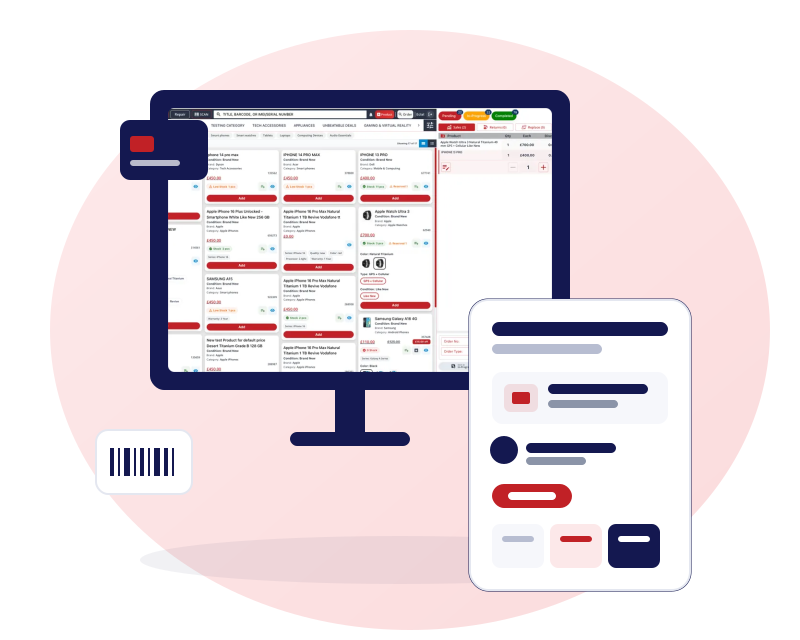
Repair management software: repair intake in one form
Booking a repair is one form at the till, not a paper job sheet and a second system.
Device and fault
Choose the product type and model, describe the fault and note the condition the device arrived in.
IMEI or serial number
Record the IMEI or serial number on the job so the device is identified from intake to collection.
Customer captured at the till
Link the job to an existing customer or add one while booking, so the repair sits on their record.
Price on the order
Set the repair price and add it to the same order as any accessory or sale, with one receipt.
Technician, priority and expected collection
Everyone can see who has a job, how urgent it is and when you promised it back.
Assign a technician
Give each job to a member of your team, and filter the board by technician.
Outside technician
Log work sent to an external technician or another shop against the job, so the cost is still recorded.
Priority
Mark urgent jobs so they stand out on the board.
Expected collection date and time
Promise a date and time, then filter for jobs due today.
Parts from lab stock and cost per job
Parts are kept apart from the stock you sell and come off lab stock when you attach them to a job.
Lab items on the job
Search lab stock and attach the exact parts a repair used. Quantities come off lab stock as you attach them.
Extra costs
Add costs beyond parts, such as outsourced work or a call-out fee.
Cost and profit per repair
Parts plus extra costs give the job's real cost, so profit is clear against the price you charged.
Lab item usage report
See which parts each repair used and how fast you are going through each one.
Warranty templates on every repair
Write your warranty terms once and attach them to each job instead of retyping them.
Choose a template
Pick a saved warranty template when you book the repair, and its terms go with the job.
Your own wording
Warranty and return policy templates are yours to write and reuse across repairs and products.
Repair board and reports
Jobs that are not finished at the counter wait on a board your whole team shares.
A board with your own stages
Pending, in progress and completed by default. Add, rename and reorder stages to match your bench.
One receipt
The repair prints on the same receipt as any sale, return or trade-in from the same visit.
Sales by repair report
See repair sales and filter them by technician from the Sales By Repair report.
Online booking and mail-in repairs
If you switch on the Repair section of your web shop, customers can start the job themselves.
Appointments with reminders
Customers choose a store, a date and a time, receive email confirmations and reminders, and can reschedule or cancel themselves.
Mail-in repairs
Take mail-in repairs with a postage method chosen at booking and photos of the issue.
Keep reading
Phone repair shop software with a built-in POS
The repair-shop view: intake, parts, profit and the till in one place.
Phone shop inventory management
Lab stock, IMEI records and FIFO costing behind each repair.
How to price phone repairs for profit
A worked method for parts, time and margin.
Hardware and label printing
Print repair labels and receipts on the printers you own, or on the receipt printer we supply.
Questions about repairs
Can I change the repair stages?
Yes. Pending, in progress and completed are the defaults, but you can add, rename and reorder stages in your business settings to match how your bench works. Stages are set per business, so each shop can keep its own.
Can I use an outside technician?
Yes. You can log a repair as done by an external technician or another shop and record the extra cost against the job. The work stays on the record even when your own team did not do it, and it counts towards the job's cost and profit.
Does a repair print on the same receipt as a sale?
Yes. A repair is a line on the order, so it prints on the same receipt as any sale, return, replace or trade-in from the visit. There is no separate repair slip to reconcile, and the customer leaves with one document.
Can I see the parts used and the profit on each repair?
Yes. Parts attached from lab stock and any extra costs build the job's cost, and the profit shows against the price you charged. Lab stock is kept apart from stock you sell, and a usage report shows what repairs have consumed.
Does Gadgets POS keep a repair history for each device?
You can search an IMEI across sales, returns and trade-ins, and each repair is recorded on its own order with the IMEI. There is no single screen that lists every repair a device has ever had, so it is not a full device timeline.
Will customers get status messages from the repair board?
Not from the board, which is for your team. Customers who book through your web shop receive appointment emails and reminders. Gadgets POS does not send SMS messages or automatic status texts for repair jobs booked at the till.